Successor to Stackroom · Image library for the Mac
Thousands of books,
picked by their covers.
Comics, image folders, PDFs and e-books in one library. A free, open-source library app built natively for Apple Silicon and macOS 15 or later.
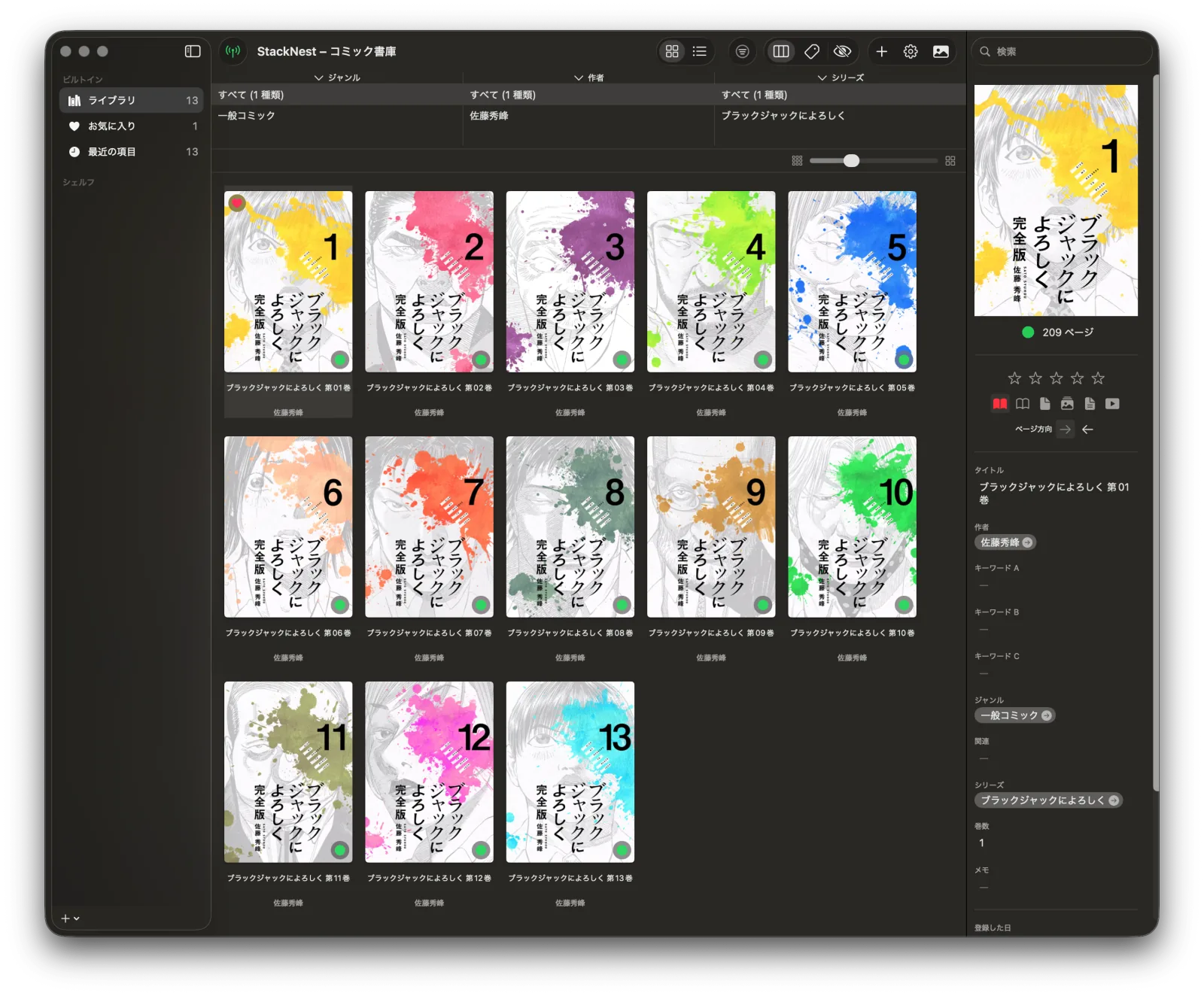
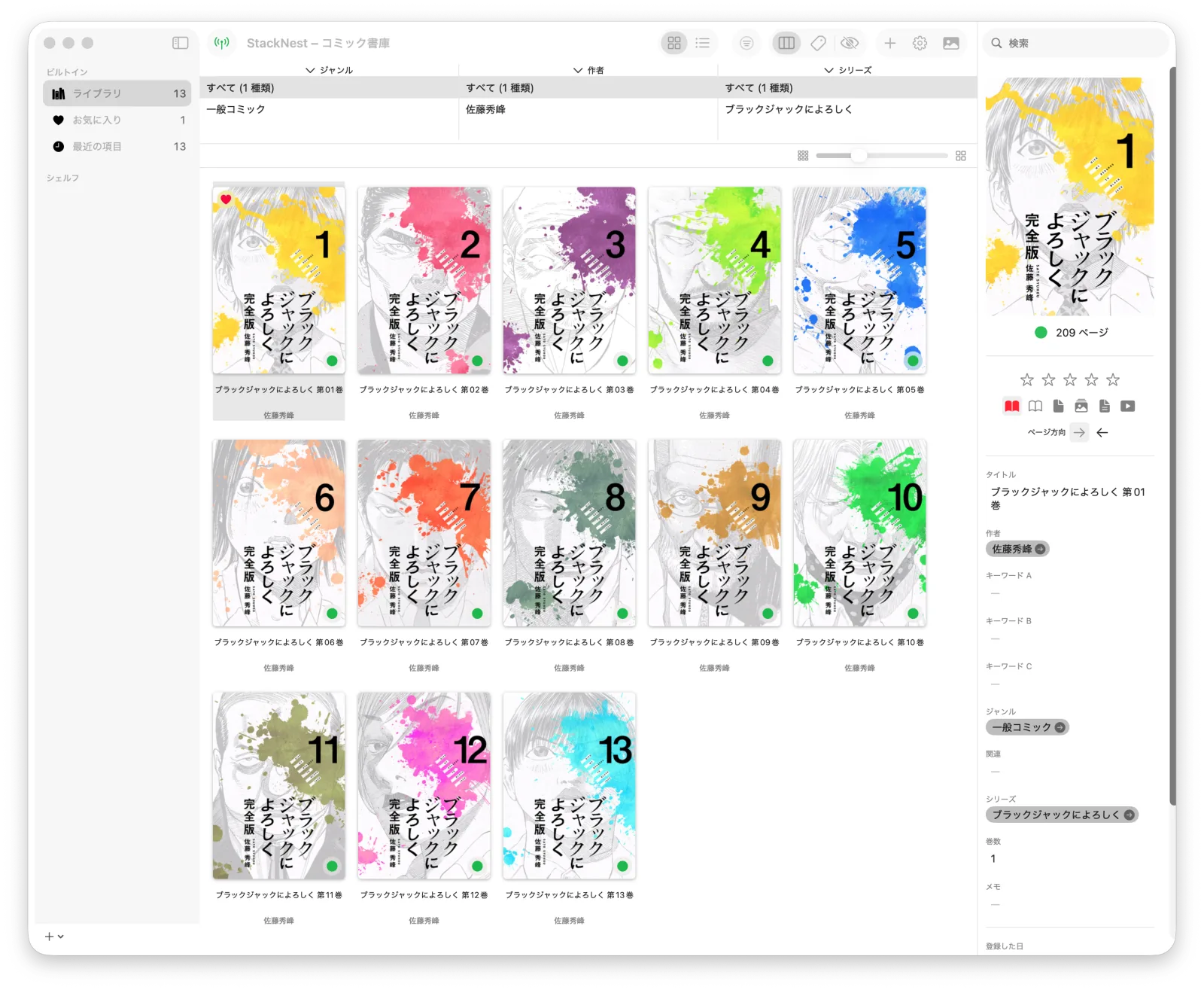
Library · Reading · Anywhere
A library that stays fast past 5,000 books
Grid and list views, filtering by series, author and genre, and Smart Shelves that gather books by rule. Finder Tags stay in sync.
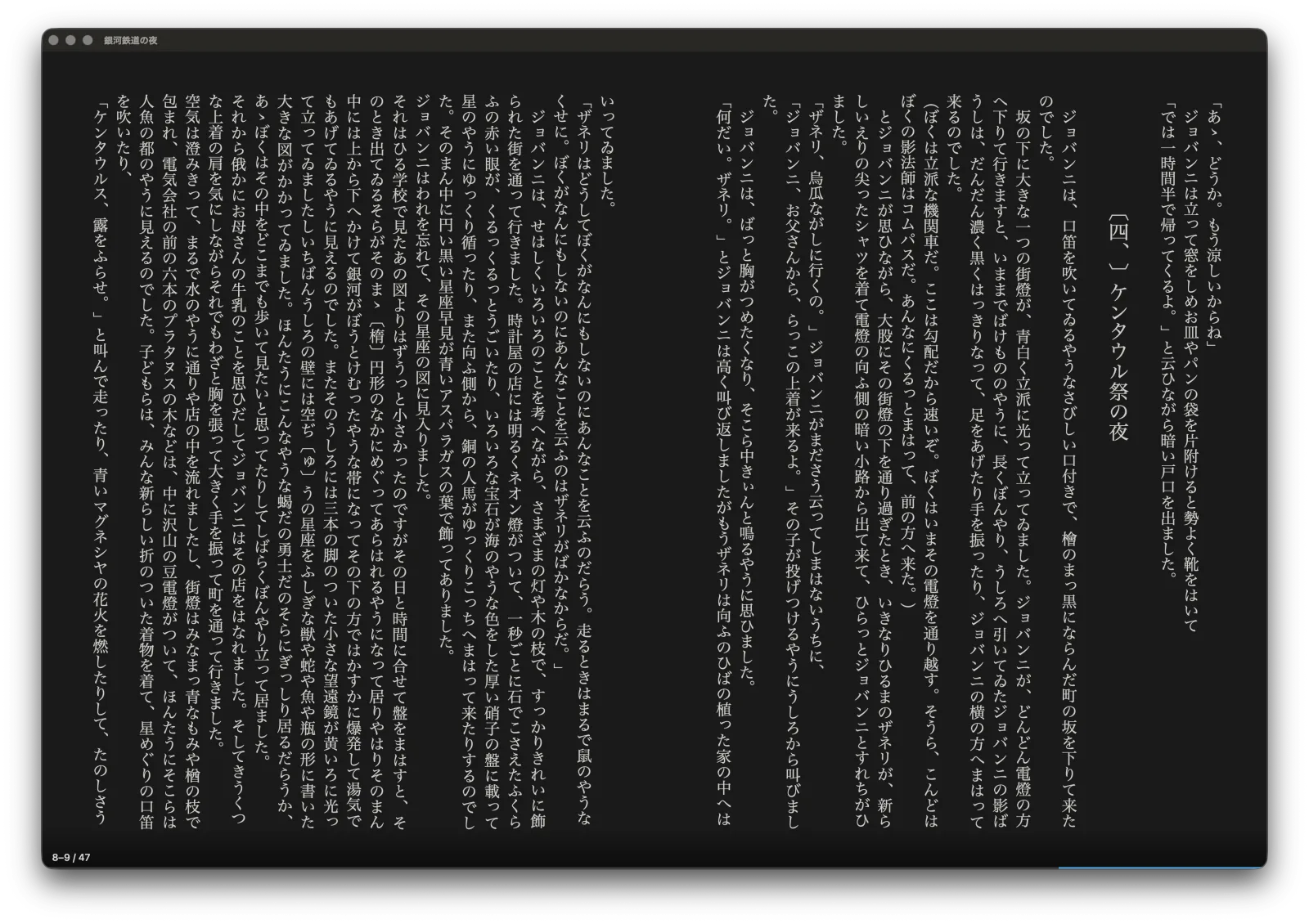
Two-page spreads and vertical text
A Built-in Viewer that opens zip, rar, 7z, PDF and folders as they are. E-books get vertical layout, ruby and spreads, in the typeface and colors you choose.
From your iPhone, or another Mac
Turn on the sharing server and read in a browser over your home network or Tailscale. Your reading position follows you wherever you read.
Right-to-left spreads, just as printed
One page per scroll of the wheel or trackpad. A Magnifier, page-turn effects and fully rebindable keys.

E-books in the typeface and colors you like
Pick Japanese and Latin typefaces separately, and background and text colors from presets or your own. Change the text size and you stay on the sentence you were reading. (E-book reading is in beta.)


Web Reader
No app needed:
read on your phone
StackNest on your Mac serves the library; an iPhone or iPad just opens it in the browser. Browse, search, continue where you left off, even read vertical e-books. Each Sharing Token can be limited to certain libraries and permissions.



Bring your Stackroom library
Just import the Stackroom library XML. Titles, authors, genres, series and volumes, keywords, ratings, read status and playlists (smart playlists too) come across with the covers you already had.
Let AI tidy your library
With the stacknest-cli command and the MCP server, Claude and other assistants can list books, update metadata and rename files.
$ stacknest-cli list --limit 3 --json
Free to download
Get the zip from Releases and move the app to Applications. It is self-signed, so the first time you open it, allow it in System Settings ▸ Privacy & Security (steps).